Get Ready for Annual and Season Passes with Universal Epic Universe
Universal Epic Universe is coming to the Universal Orlando Annual Pass program. And as our most loyal fans, eligible Passholders will be among the first to get the chance to upgrade. Reservations required for Epic Universe.*
To help provide the best experience possible, upgrade and renewal opportunities for existing Passholders will roll out by Pass type, with Epic Universe reservation opportunities planned across each phase.
More details are on the way. Check below for how you can get ready in the meantime.
*Eligible Universal Epic Universe Pass Member visits begin Jan. 4, 2027. Pass Members may hold up to two (2) active reservations at a time. Advance reservations are required and are first-come, first-served, subject to applicable blockout dates and limited Pass Member availability. Reservations may be unavailable even when a date is not blocked out, Epic Universe has not reached capacity, or admission remains available through other ticket products.
New Passes. More Possibilities.
- New Name!Platinum PassFormerly known as Premier
- New Name!Gold PassFormerly known as Preferred
- New Name!Silver PassFormerly known as Power
- New Name!Bronze PassFormerly known as Seasonal
Step 1: Confirm Your Pass is Active
Ready to upgrade or renew into a Pass that includes Universal Epic Universe access? If your current Pass is already activated, you’re all set. If not, simply use your Pass for the first time at a Universal Orlando theme park entrance to activate it.

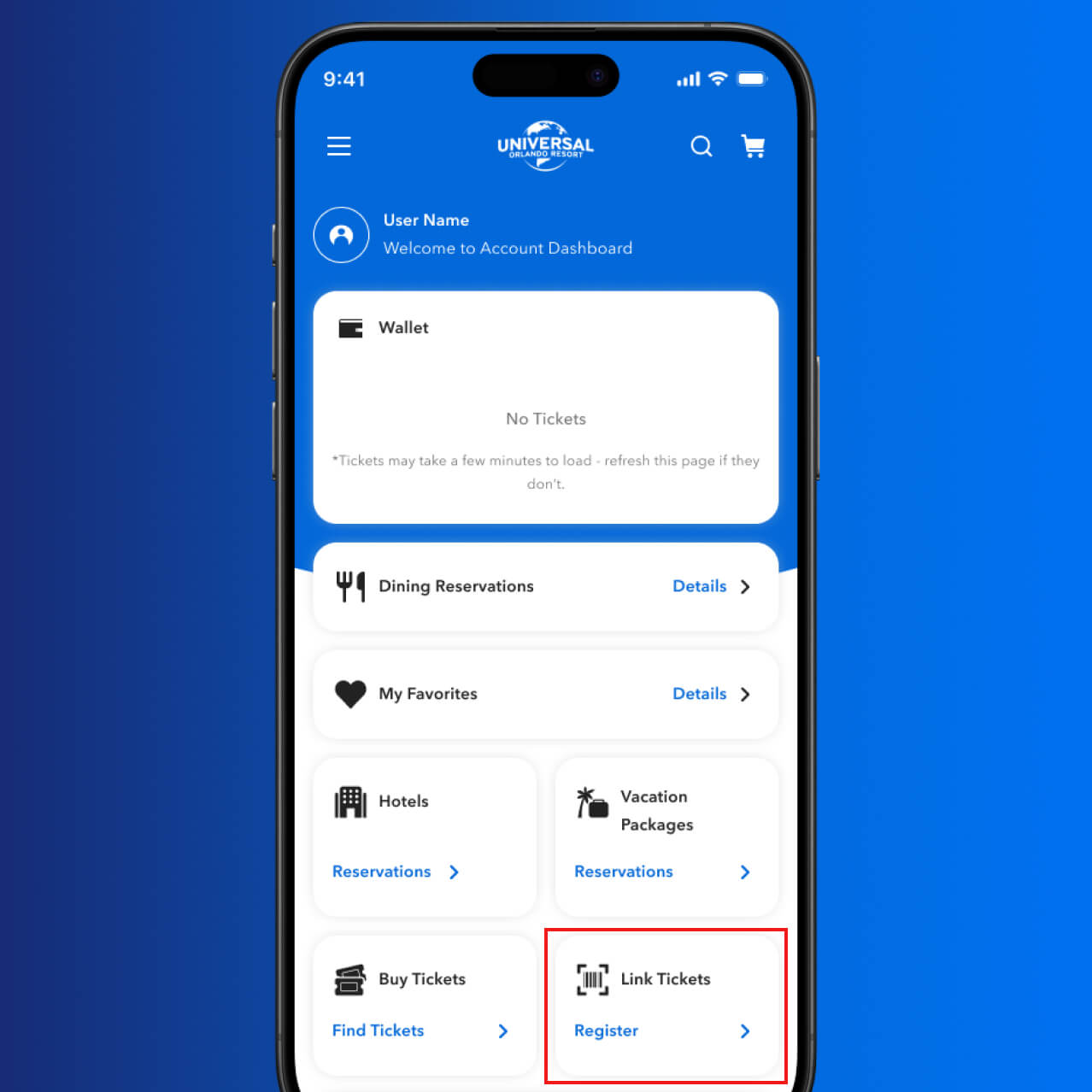
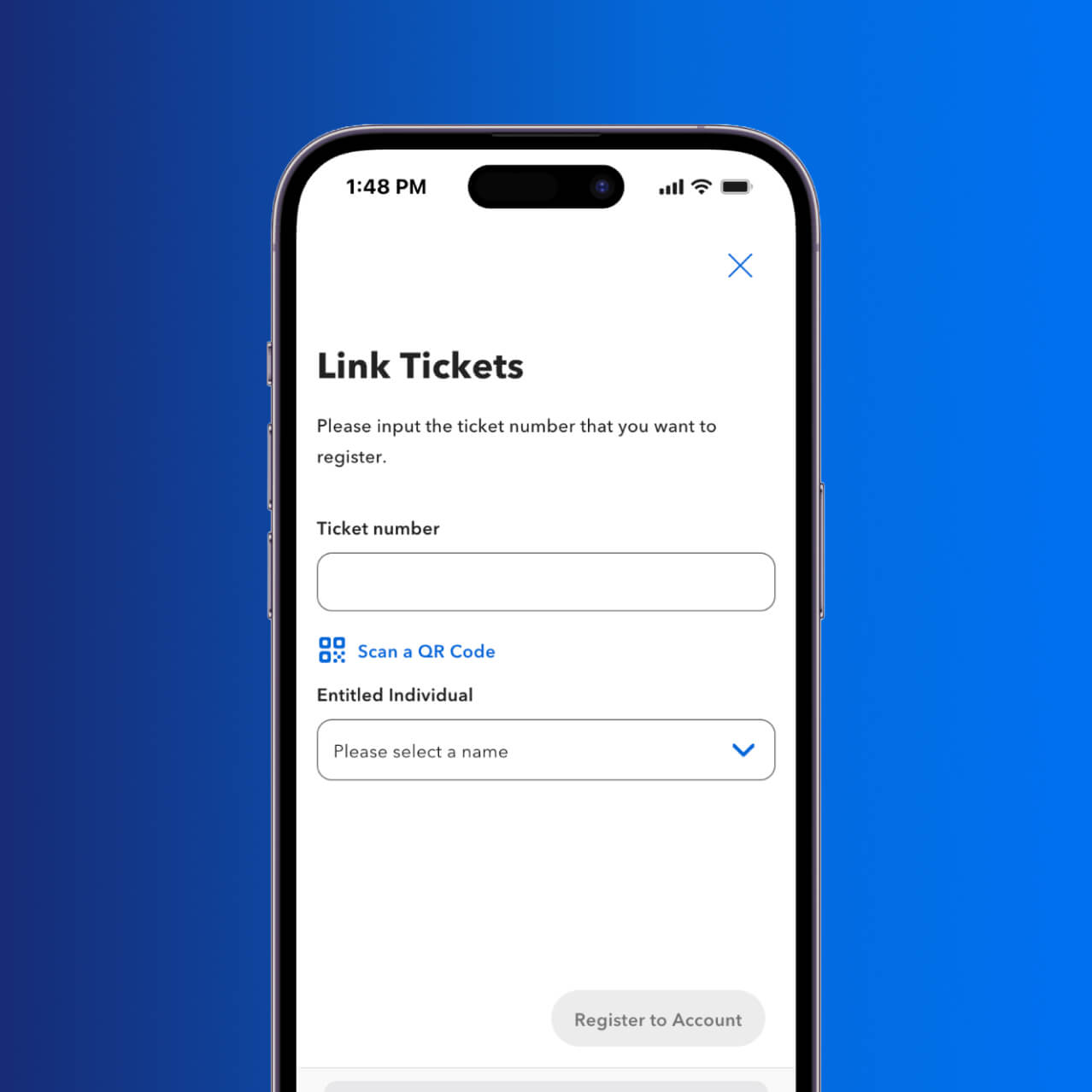
Step 2: Link Your Pass to Your Universal Account
Creating or linking an account is optional, but it can help you get more from your Annual or Season Pass. Get started here, and sign up for emails under “Communication Preferences” so you don’t miss Pass Member news and updates.
Sign Into Your Account

Step 3: Verify Your Pass Is Linked
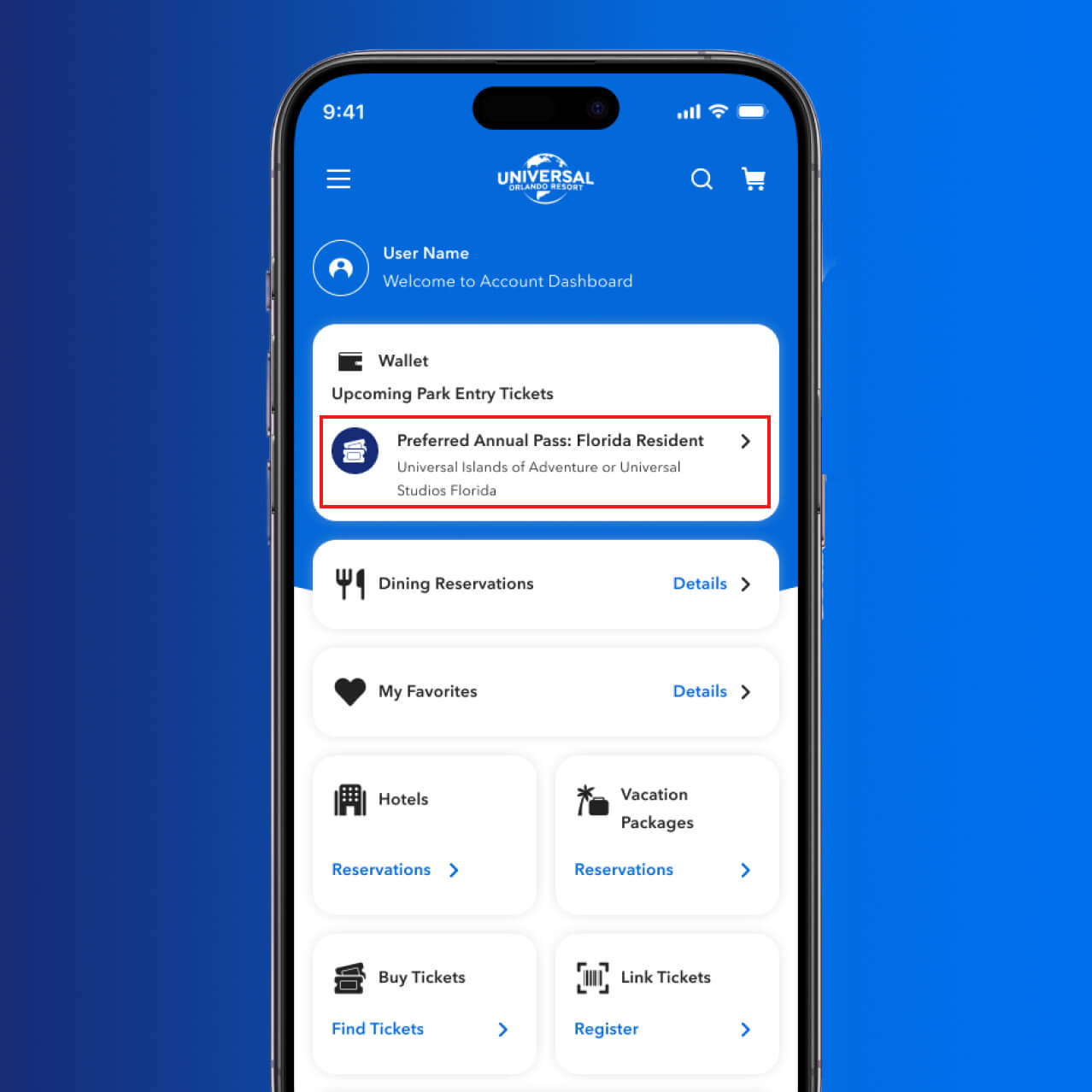
Check your Account Dashboard under Upcoming Park Entry Tickets to make sure your Pass appears and you're ready for the next chapter of UOAP.