

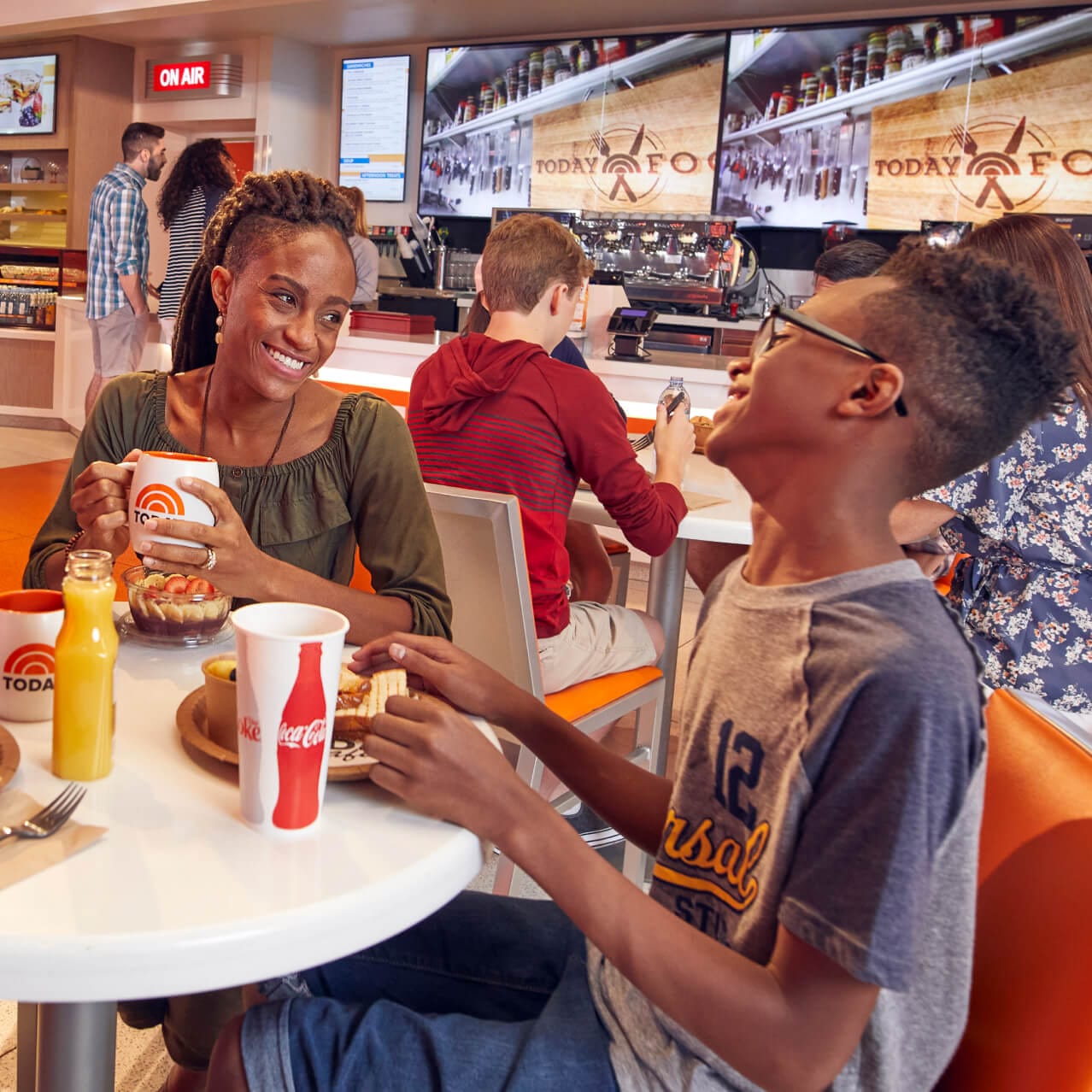
It’s Deliciously Easy to Order Food With Our App
Focus on the fun and savor the convenience! Spend less time waiting in line by using Mobile Food & Drink Ordering within our App. Treat yourself to marvelous eats and despicably good drinks at select locations in the parks and at Universal CityWalk.
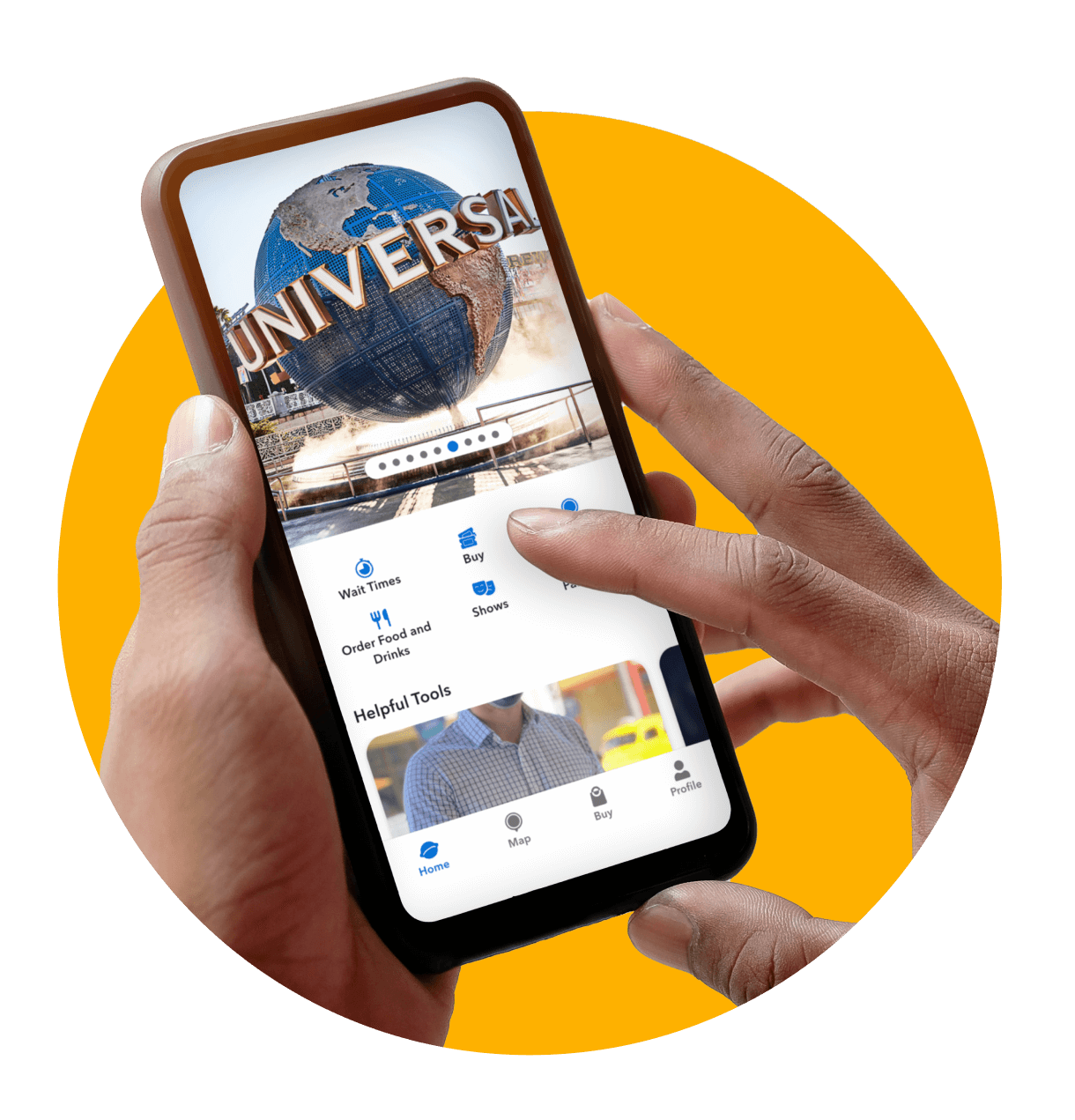
Save Time Later: Set up Mobile Ordering Now
Faster, easier food and drink orders are just a few steps away! Take a moment now so you’ll be ready to order during your visit.
- Create a Universal Account or log in if you have one already.
- Set up your Wallet and link a payment method.
- Download the Universal Orlando Resort App.
Simplicity Is on the Menu
Mobile Food & Drink Ordering is simple to use. You’ll find everything you need to choose, customize and pay for your menu items in our App.
- STEP 1Select Your RestaurantTo get started, simply select “Order Food & Drinks” within our App and choose your desired restaurant from the available options.
- STEP 2Order Food & DrinksSelect your food and drink items from the restaurant’s menu and choose or customize your sides, options and quantities.
- STEP 3Let Us Know When You ArriveConfirm your order and check out using your payment method in our App. Then select “Prepare My Order” when you’re at the restaurant.
Three Easy Ways to Receive Your Order
You have flexible options at select restaurants. Choose what’s most convenient for you based on the location.
- Pickup ServiceHead to the designated counter to pick up your order.
- Pickup WindowReceive your order through a convenient window.
- Table DeliveryTake a seat at a table and we’ll bring your order to you.
Extra Tips for a Great Ordering Experience
Check out these additional features you may find helpful during your visit.

Apply Select Passholder Savings More Easily
We’ve made it even easier for select Passholders to save* on mobile orders of food and drinks. Link your Pass to your Universal Account Wallet in our App to have your discount applied automatically each time.
*Valid only for Premier and Preferred Passholders at Universal Orlando owned and operated restaurants and carts (excluding alcoholic beverages).
*Valid only for Premier and Preferred Passholders at Universal Orlando owned and operated restaurants and carts (excluding alcoholic beverages).
We Can Apply Your Cardmember Savings Automatically
Now it’s even easier to enjoy savings on mobile orders in our App with your Universal Rewards Visa Signature® Card. Simply use it when you pay to have your discount applied automatically.
Cannot be combined with any other offer, promotion, discount, or prior purchase. All dining discounts exclude alcoholic beverages, gratuity, or tax. Additional restrictions may apply, and benefits are subject to change without notice.
Cannot be combined with any other offer, promotion, discount, or prior purchase. All dining discounts exclude alcoholic beverages, gratuity, or tax. Additional restrictions may apply, and benefits are subject to change without notice.
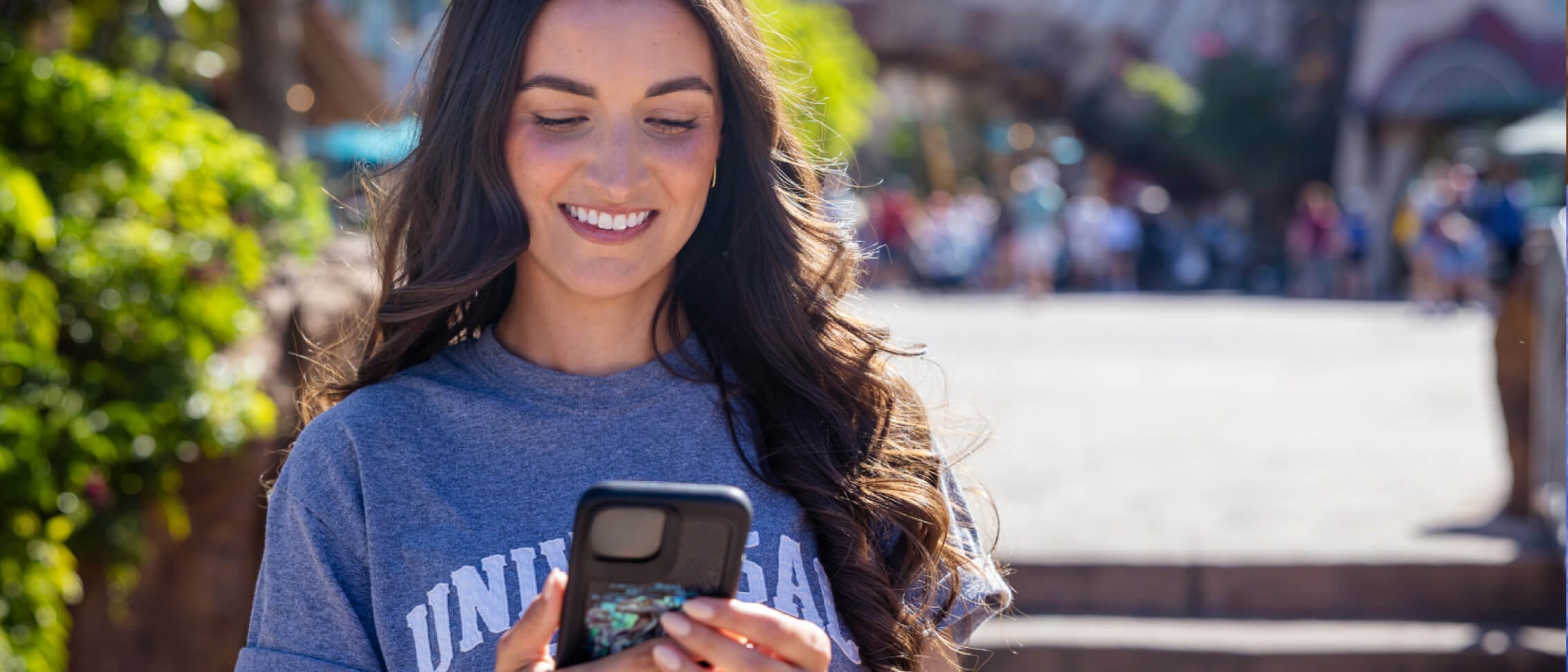
Use a Gift Card for Your Next Mobile Order
Paying for food and drinks just got even more convenient! Now you have the flexibility to use select Universal Orlando Resort gift cards for mobile orders in our App. Try it next time it’s snack time.
Add a Food Allergen Note Right in Our App
If you have food allergy concerns, we’re here to help. Through our App, you can easily add an allergen note to your mobile order and a Team Member will speak to you before we begin preparing it.