Make Your Wait Time a Great Time
It's all about improving the way you wait. In place of a regular line, you will choose a Virtual Line return time once you're in the park. Then, while you wait for your return time, you'll be free to explore and enjoy other experiences!
Our Virtual Line system is in technical rehearsal, and some elements may not be available during this time
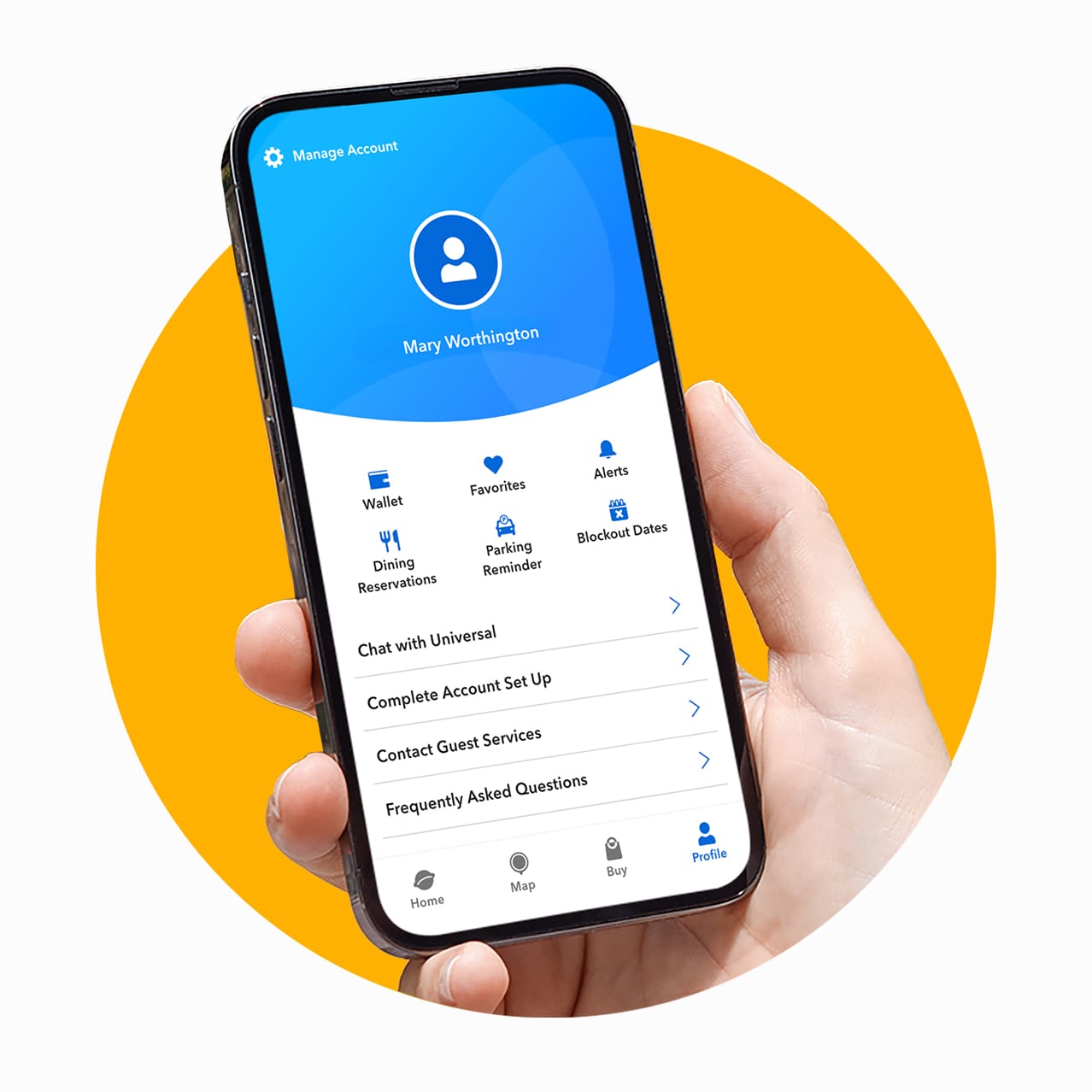
Here's How to Get a Head Start
Getting a Virtual Line return time is simple once you're in the park, and you can make it even easier by preparing beforehand. Complete the following steps and you'll be that much closer to the fun!
Create an Account
Start by signing into your Universal Account (or creating one if you haven't already). You won't be able to get Virtual Line return times without being signed in.
Set Up Your Travel Party
Link your tickets or Annual Passes to your Universal Account Wallet and set up your Travel Party. Connecting everyone will make it possible to get Virtual Line return times together.
Download Our App
The Universal Orlando Resort App is the easiest way to get Virtual Line return times, which gives you one more reason to download it if you haven't already!
Create an Account
Start by signing into your Universal Account (or creating one if you haven't already). You won't be able to get Virtual Line return times without being signed in.
Set Up Your Travel Party
Link your tickets or Annual Passes to your Universal Account Wallet and set up your Travel Party. Connecting everyone will make it possible to get Virtual Line return times together.
Download Our App
The Universal Orlando Resort App is the easiest way to get Virtual Line return times, which gives you one more reason to download it if you haven't already!
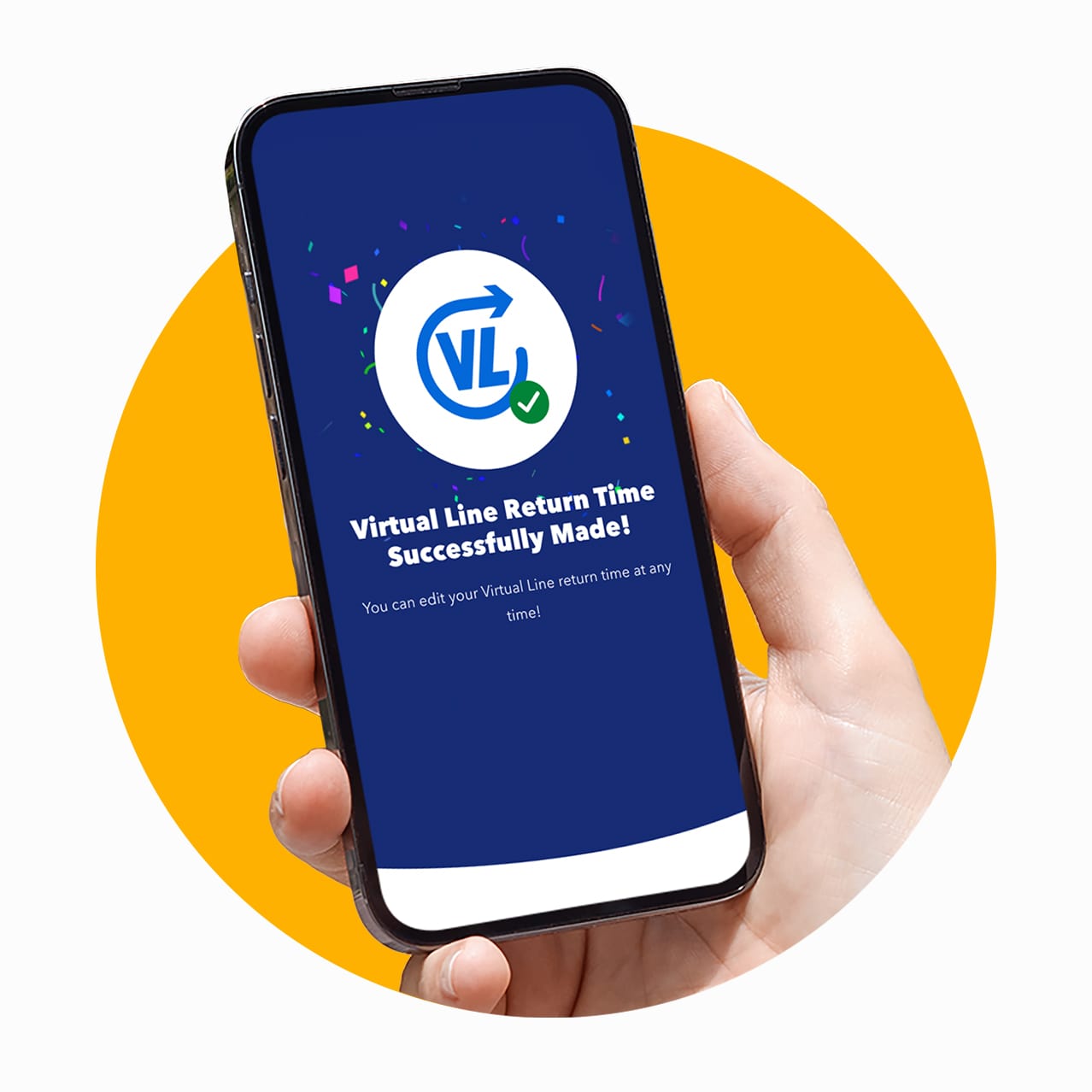
Simple In-Park Steps for Selecting Virtual Line Return Times
You've completed the first few steps and arrived at the park. Now it's time to get your Virtual Line return time. Luckily, this part is simple too. Grab your phone and get ready for fun!
Step 1: Open Our App
First, make sure you're in the park where your desired Virtual Line experience is located. Then open the Universal Orlando Resort App and sign into your Universal Account to get started.
Step 2: Select Travel Party Members
Next, choose the Travel Party members you'd like to include on your Virtual Line return time. Keep in mind, if someone isn't in your Travel Party, they won't be able to join the return time with you.
Step 3: Choose a Return Time
Finally, choose from available return times to secure your spot! Your return time isn't confirmed until you see the success screen, so don't close out too soon. Spots are limited, so don't wait!
Step 1: Open Our App
First, make sure you're in the park where your desired Virtual Line experience is located. Then open the Universal Orlando Resort App and sign into your Universal Account to get started.
Step 2: Select Travel Party Members
Next, choose the Travel Party members you'd like to include on your Virtual Line return time. Keep in mind, if someone isn't in your Travel Party, they won't be able to join the return time with you.
Step 3: Choose a Return Time
Finally, choose from available return times to secure your spot! Your return time isn't confirmed until you see the success screen, so don't close out too soon. Spots are limited, so don't wait!
How to Redeem Your Virtual Line Return Time
- Scanning Your Universal Account Wallet QR CodeWhen you make a Virtual Line return time using our App, a QR Code is automatically added to your Universal Account Wallet that you can scan to redeem your return time.
- Scanning Your Park TicketIf a Universal Orlando Resort Team Member assists you with making your Virtual Line return time, you can also scan your park ticket or annual pass to redeem.
What Experiences Are Using Virtual Line Now?
Virtual Line return times may be used for various experiences, including select attractions and entertainment throughout Universal Orlando Resort as well as world entry at Universal Epic Universe. Be sure to check our App for the most up-to-date details!